
About Course
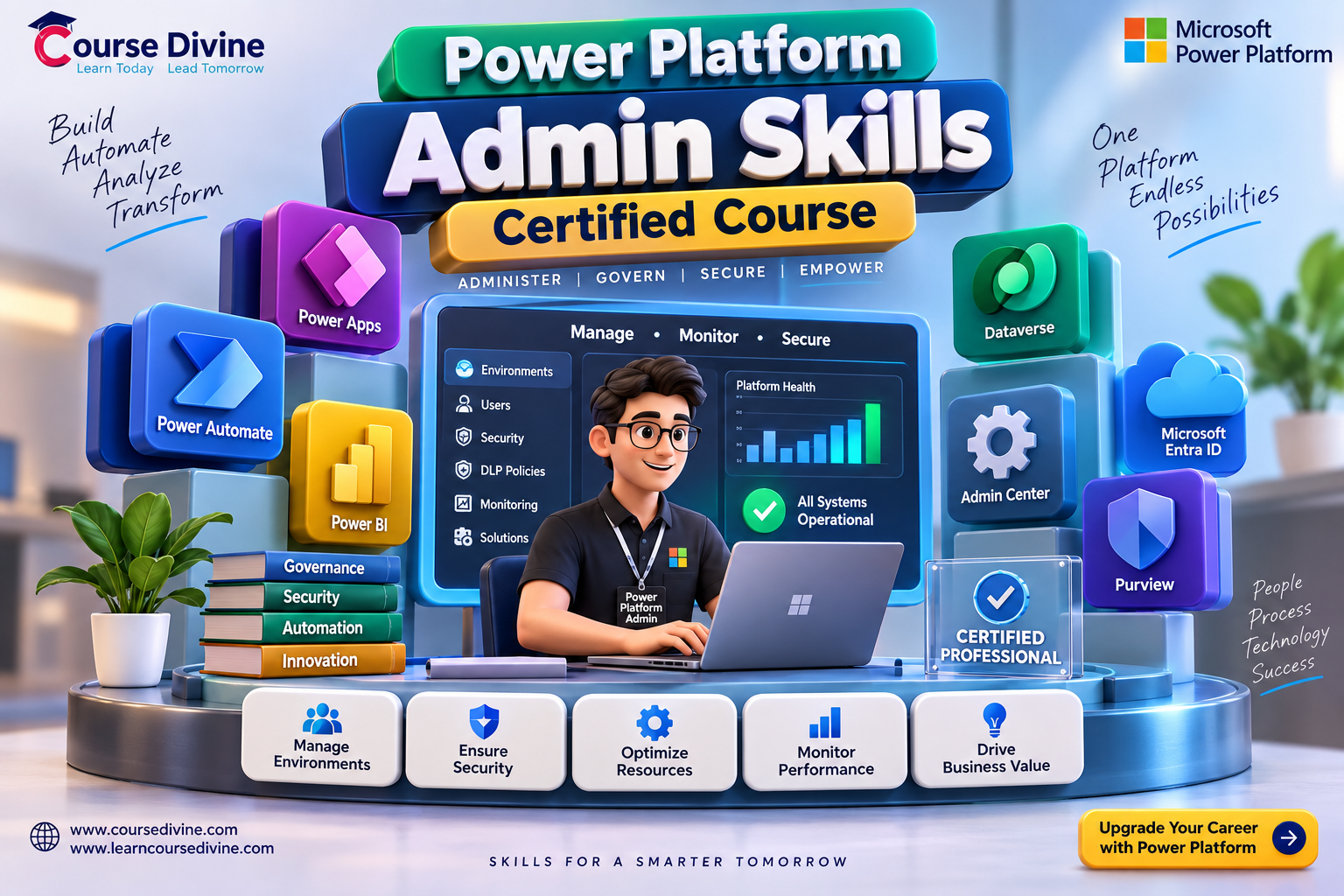
The Power Platform Admin Skills Certified Course is designed to provide comprehensive knowledge and practical skills for administering and managing Microsoft Power Platform environments, including Power Apps, Power Automate, Power BI, and Dataverse. The course covers environment management, user and security administration, roles and permissions, data loss prevention (DLP) policies, governance, licensing, connectors, monitoring, capacity management, solution management, and integration with Microsoft Entra ID and Microsoft 365. Learners gain hands-on experience in configuring secure and scalable Power Platform environments, managing applications and automation, implementing governance and compliance policies, monitoring platform usage and performance, and troubleshooting administrative issues. This program is ideal for Power Platform Administrators, System Administrators, IT Professionals, Microsoft 365 Administrators, Power Apps Developers, Power Automate Developers, Data Professionals, and aspiring Cloud Administrators looking to build job-ready Power Platform administration expertise.
Key Features of Course Divine:
- Collaboration with E‑Cell IIT Tirupati
- 1:1 Online Mentorship Platform
- Credit-Based Certification
- Live Classes Led by Industry Experts
- Live, Real-World Projects
- 100% Placement Support
- Potential Interview Training
- Resume-Building Activities
Career Opportunities After Power Platform Admin Skills Certified Course:
- Power Platform Administrator
- Microsoft 365 Administrator
- Power Apps Administrator
- Power Automate Administrator
- Power Platform Consultant
- Power Platform Developer
- Cloud Administrator
- Business Applications Administrator
- Power Platform Security Specialist
- Power Platform Governance Specialist
- Microsoft Dynamics 365 Administrator
Essential Skills You Will Develop Power Platform Admin Skills Certified Course:
- Power Platform Environment Management
- Power Apps Administration
- Power Automate Administration
- Dataverse Administration
- User & Role Management
- Security & Access Control
- Data Loss Prevention (DLP) Policies
- Governance & Compliance
- Licensing & Capacity Management
- Connector & Integration Management
Tools Covered:
- Microsoft Power Platform Admin Center
- Power Apps
- Power Automate
- Power BI
- Microsoft Dataverse
- Microsoft Entra ID
- Microsoft 365 Admin Center
- Power Platform CLI
- Microsoft CoE Starter Kit
- Power Platform Connectors
Syllabus:
Student Ratings & Reviews
