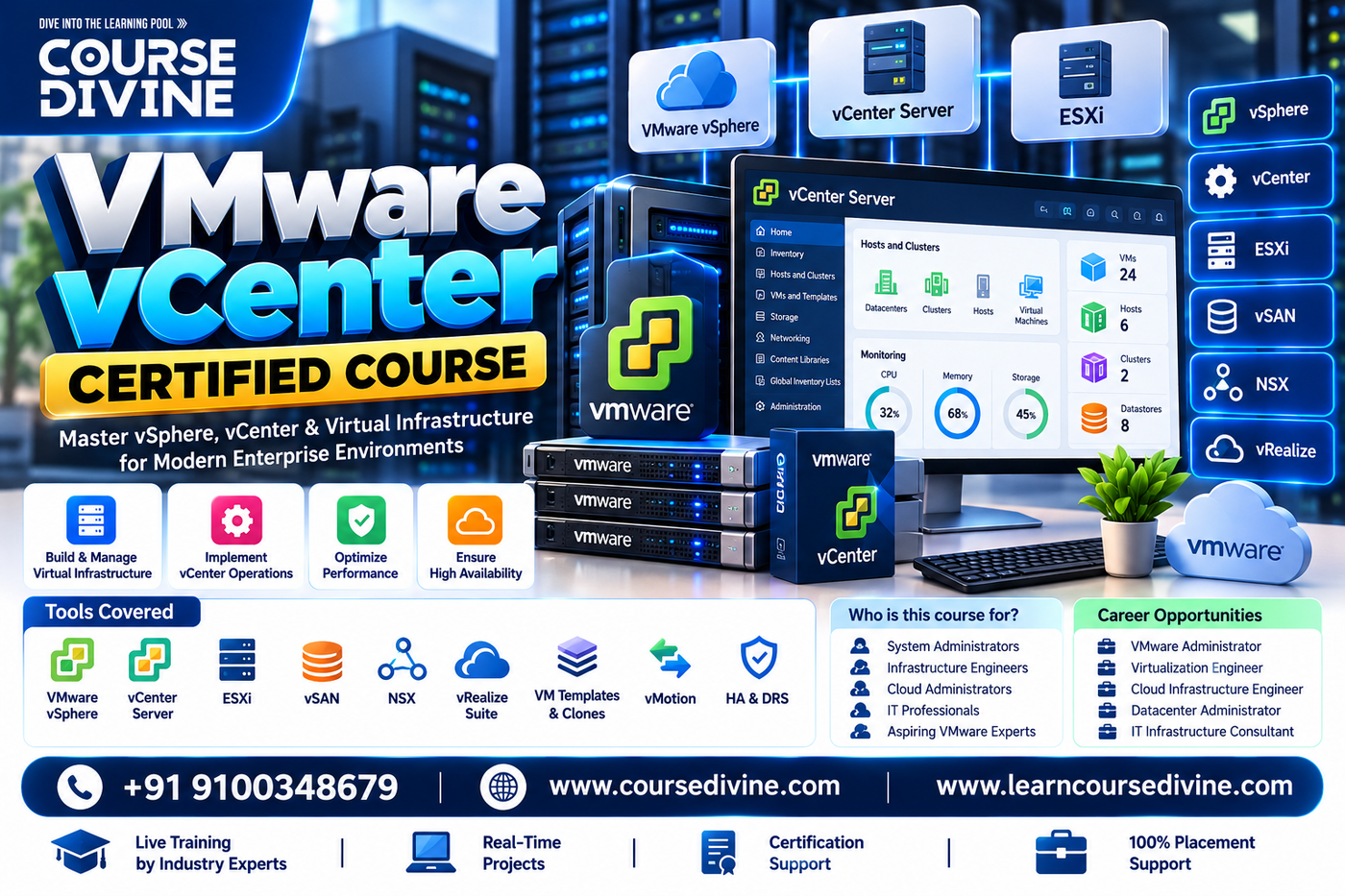
About Course
The VMware vCenter Certified Course is a comprehensive, industry-focused training program designed to provide practical expertise in VMware vCenter Server, virtualization management, ESXi hosts, virtual machines, clusters, resource management, networking, storage, high availability, disaster recovery, security, monitoring, and troubleshooting. Learners gain hands-on experience managing enterprise virtual infrastructure through vCenter, including VM deployment, templates, vMotion, Storage vMotion, Distributed Resource Scheduler, High Availability, lifecycle management, and centralized administration. The course prepares participants to manage scalable VMware environments and build careers in virtualization, cloud infrastructure, system administration, and data center operations.
Key Features of Course Divine:
- Collaboration with E‑Cell IIT Tirupati
- 1:1 Online Mentorship Platform
- Credit-Based Certification
- Live Classes Led by Industry Experts
- Live, Real-World Projects
- 100% Placement Support
- Potential Interview Training
- Resume-Building Activities
CAREER OPPORTUNITIES AFTER-VMware vCenter Certified Course:
- VMware vCenter Administrator
- VMware Administrator
- VMware Virtualization Administrator
- VMware Infrastructure Engineer
- VMware System Administrator
- Virtualization Engineer
- VMware Cloud Engineer
- Data Center Administrator
- Cloud Infrastructure Engineer
- VMware Support Engineer
- Infrastructure Support Engineer
- Virtualization Consultant
- VMware Solutions Engineer
- Infrastructure Architect
- Cloud & Virtualization Architect
ESSENTIAL SKILLS YOU WILL DEVELOP-VMware vCenter Certified Course:
- VMware vSphere & vCenter Architecture
- ESXi Host Management
- vCenter Server Administration
- Virtual Machine Management
- VM Templates & Cloning
- vMotion & Storage vMotion
- VMware HA & DRS
- Cluster Configuration & Management
- VMware Networking
- Virtual Switches & Distributed Switches
- VMware Storage & Datastores
- Resource Pools & Resource Management
- VMware Security & Permissions
- Monitoring & Performance Management
- Backup, Recovery & Troubleshooting
Tools Covered:
- VMware vCenter Server
- VMware vSphere
- VMware ESXi
- vSphere Client
- vCenter Server Appliance (VCSA)
- vSphere HA
- vSphere DRS
- vMotion
- Storage vMotion
- vSphere Distributed Switch
- VMware vSAN
- VMware Lifecycle Manager
- VMware Tools
- PowerCLI
- VMware Host Client
- VMware Aria Operations
- VMware Site Recovery Manager
- VMware Workstation
- PowerShell
- Linux / Windows Server
Syllabus:
Module 1: VMware Virtualization Fundamentals
- Virtualization Concepts & VMware Architecture
- vSphere, ESXi & vCenter Server Overview
- Virtual Data Center Components
Module 2: vCenter Server Administration
- vCenter Server Architecture & Deployment
- vCenter Server Appliance Configuration
- vSphere Client, Datacenters & Inventory Management
Module 3: ESXi Host Management
- ESXi Installation & Configuration
- Host Profiles, Licensing & Host Management
- ESXi Networking, Storage & Maintenance
Module 4: Virtual Machine Management
- VM Creation, Configuration & Deployment
- Templates, Cloning & Snapshots
- VMware Tools & VM Hardware Management
Module 5: VMware Networking
- Standard Virtual Switches & Port Groups
- VMware Distributed Switches
- VLANs, NIC Teaming & Network Troubleshooting
Module 6: VMware Storage
- Datastores & Storage Architecture
- VMFS, NFS & Storage Connectivity
- Storage Management, Multipathing & Optimization
Module 7: HA, DRS & Resource Management
- vSphere High Availability Configuration
- Distributed Resource Scheduler & Resource Pools
- Cluster Configuration & Workload Balancing
Module 8: vMotion & Advanced Features
- vMotion & Storage vMotion
- VM Migration & Workload Management
- vSAN & Virtual Infrastructure Optimization
Module 9: Monitoring, Security & Troubleshooting
- vCenter Monitoring & Performance Analysis
- Roles, Permissions & Security Configuration
- ESXi, VM, Network & Storage Troubleshooting
Module 10: End-to-End VMware Infrastructure Project
- Enterprise vCenter & ESXi Environment Deployment
- HA, DRS, vMotion & Storage Configuration
- Monitoring, Backup, Recovery & Production Support
Industry Projects:
- Enterprise VMware vCenter Infrastructure
- ESXi Host & Cluster Deployment
- Virtual Machine Provisioning & Management
- VMware HA & DRS Implementation
- vMotion & Storage vMotion Project
- VMware Networking & Distributed Switch Configuration
- Enterprise Storage & Datastore Management
- VMware vSAN Infrastructure Project
- Virtual Infrastructure Monitoring & Troubleshooting
- End-to-End VMware Data Center Implementation
Who is this program for?
- VMware Administrators
- Virtualization Administrators
- System Administrators
- Infrastructure Engineers
- Cloud Engineers
- Data Center Administrators
- VMware Support Engineers
- IT Infrastructure Professionals
- Network & System Engineers
- Cloud Infrastructure Professionals
- DevOps Engineers
- IT Operations Professionals
- Virtualization Consultants
- Infrastructure Architects
- Professionals Transitioning into VMware & Cloud
- Students & Freshers